ghq × gwq × fzf:打造代码代理友好的开发环境
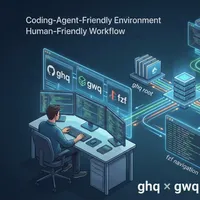
本文介绍了如何通过结合使用ghq、gwq和fzf三个工具来提升开发工作流程效率。
ghq用于统一管理Git仓库的存储位置,gwq则简化了Git工作树(worktree)的操作,而fzf提供了一种快速模糊搜索目录的方式。
这种组合可以有效解决仓库过多导致的查找困难、分支切换复杂的问题,并且为同时运行多个代码代理(例如Claude Code)提供了一个隔离且高效的开发环境,从而提高并行开发效率。
查看原文开头(英文 · 仅前 3 段)
As your number of repositories grows through git clone, for both work and personal projects, it becomes harder to remember where you cloned things and which directory you’re currently working in. You end up wasting time on cd and shell completion. On top of that, once you start creating branches for development or checking out other branches to review Pull Requests, the overhead of switching branches and managing stashes just keeps increasing. I often mess up branch switches, run into conflicts, or almost lose my changes.
These problems become even more visible once you start using coding agents like Claude Code or Codex. The more tasks you run in parallel, the more likely things are to collide if you only have a single working directory. And of course, you want to unleash your coding agents as much as possible 😄.
In this article, I’ll show how combining the following three tools can significantly improve your daily development workflow. And yes—please do use coding agents.
※ 出于版权考虑,仅引用前 3 段。完整内容请阅读原文。